Shared baby care
 CradleNote
Free forever for the first 1,000 families.
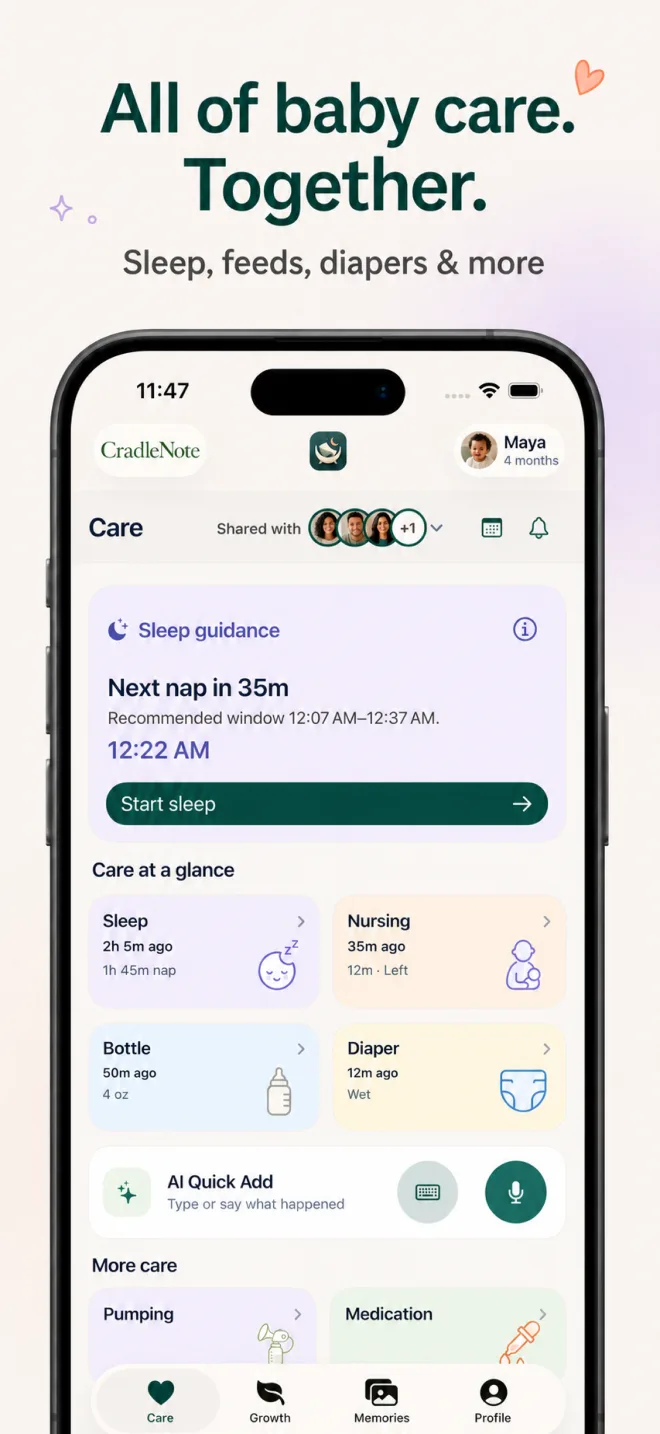
Track feeds, sleep, diapers, medicine, activities, growth, and private memories in one shared care circle—so every caregiver sees the latest context.
Available as an iPhone app and on the web, including Android and iPad browsers.
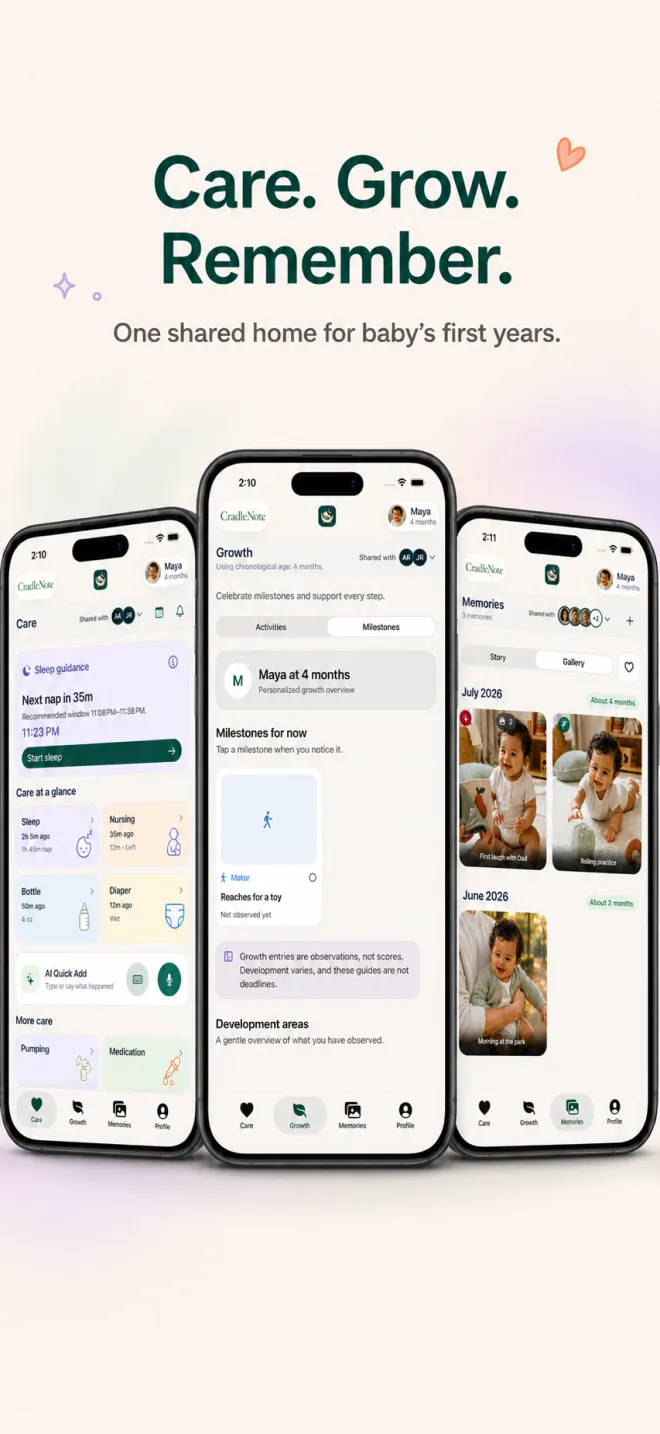
Fast logging, shared timers, trusted developmental guidance, and the family moments you never want to lose.


Explore baby activities by age, understand milestone observations, and find simple ways for your care circle to share the story.
Explore the learning libraryExplore caregiver handoffs, family memories, and clear comparisons with other baby apps.
CradleNote for Android
CradleNote works on Android as an installable web app—no Play Store download required. Once installed, it opens from your home screen in its own app window.
See Google Chrome’s web app guideOpen cradlenote.com in Chrome on your Android phone or tablet.
Tap Chrome’s three-dot menu beside the address bar.
Choose “Install app” or “Add to home screen,” then confirm Install.
Open CradleNote from your home screen, then sign in or create your account.
Create your CradleNote account and give every trusted caregiver the same clear, current picture.
Download for iPhoneUse the web app